

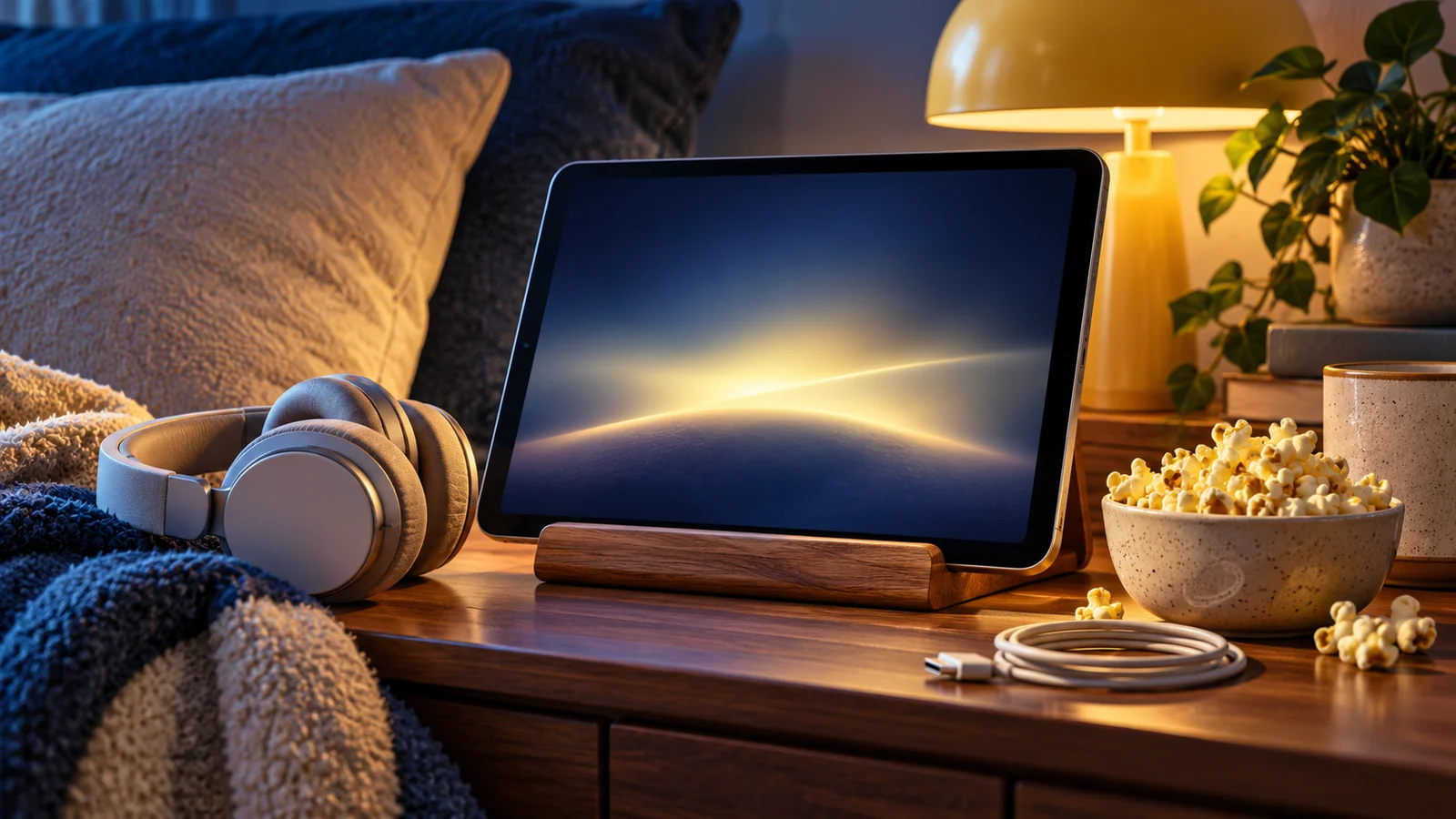
A smaller screen can still be a comfortable place to join a film night. Check your device before playback so charging, sound and browser prompts do not interrupt the opening.
1. Give the device a stable place
Charge it and use a stand if you have one. Choose an orientation that makes the video comfortable to watch without holding the screen for the whole film. Keep enough light around you to find controls and read the chat.
Place the device on a stable support and plug it in if needed. Check that subtitles are readable from your normal viewing position.
Compare your connection with YouTube's sustained-speed recommendations. These are a reference for YouTube playback, not a measured requirement or performance guarantee for Zopley.
YouTube's sustained-speed recommendations · YouTube recommendations · Reviewed2026-10-03
2. Test sound and playback
Enter the Zopley room before the start and tap the player if the browser waits for interaction. Check the volume and headphone connection. A visible picture with no sound may be a local setting rather than a room problem.
Test the source before the film starts. If audio does not begin, tap the player and check device volume plus the selected audio output.
If the source itself fails outside the room, try the checks in YouTube's playback troubleshooting guide. For a Zopley room problem, record the device, source and exact symptom before contacting support.
3. Reduce interruptions
Close unnecessary apps and avoid other large downloads on the connection. Silence notifications you do not need. Keep the current room link or code available in case you have to re-enter.
Silence unnecessary notifications and avoid switching apps during the first playback test. Keep enough battery margin for the entire planned program.
If video or sound does not begin after joining, MDN's guide to autoplay blocking explains why browsers may require a click or tap before audible playback. Try the player's play control, then check volume and audio output.
4. Ask for help clearly
If playback fails, tell the host whether you see buffering, a blank player or missing audio. Reload or rejoin after the group pauses. Check that the selected video is ready if other guests report the same trouble.
Report whether the problem is picture, sound, buffering or position, plus the browser and device. That gives the host an actionable starting point.